Content Calendars for Bloggers: Plan a Month in an Hour

Whether you write for fun or practice blogger affiliate marketing, a content calendar helps you publish steadily without last-minute stress. This guide walks you through six short steps to plan a full month of blog posts in about an hour.
Many bloggers sit down every Monday with no idea what to write that week, and a content calendar fixes that. It's easy to open a blank doc, stare at it, check email, and lose an hour before typing a single word. A simple blog content calendar fixed most of that for me. It didn't make me a faster writer. It just meant I always knew what came next.
This guide shows you how to plan a full month of blog posts in about an hour with a blog content planner you can build yourself. You don't need fancy software or a big team. You need a quiet hour, a few tools you probably already have, and a willingness to be a little realistic about your schedule.
One note before we start. Your first try might take longer than an hour, and that's fine. Mine took closer to two. By the third month, I was done before my coffee went cold.
Short on time? Our top picks: Google Sheets, Notion, Trello and Airtable. See all picks
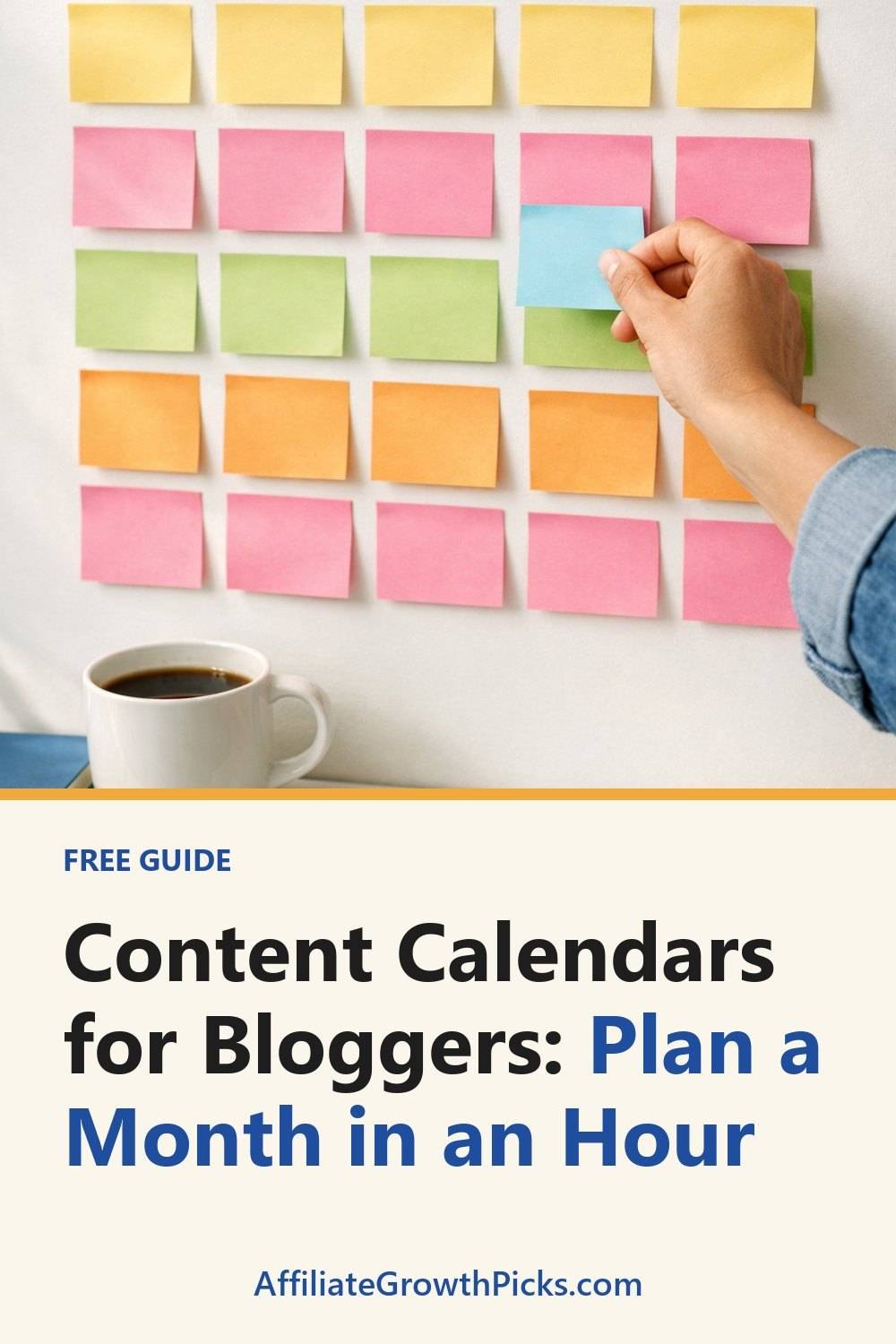
What You Need for Your Content Planner for Bloggers
- A timer. Your phone works. Setting a limit keeps you from overthinking.
- A place to dump ideas. A notebook, a notes app, or a plain document.
- A calendar view. A spreadsheet, a paper wall calendar, or a free calendar app. Pick whatever you'll actually open.
- Your past posts. A quick list of what you've already published, so you don't repeat yourself by accident.
- Any reader questions you've saved. Comments, emails, social replies, even questions friends have asked you.
That's it. For a solo blogger, most paid project tools are probably overkill. A spreadsheet with five columns, in something like Google Sheets, has done the job as my blog content planner for years.
Step 1: List Your Blog Topics (15 Minutes)
Set your timer for 15 minutes and write down every post idea you can think of. Don't judge them yet. Bad ideas are welcome here, because they often lead to good ones.
The best place to start is with questions your readers actually ask. Look through your comments and inbox. Think about what people search for in your topic. If you write about affiliate marketing content, someone out there is wondering how to pick their first product to review, or how often they should post. Those questions are posts.
A few prompts that can help when you get stuck:
- What did I struggle with when I started?
- What mistake do I see beginners make over and over?
- Which of my old posts could use a follow-up?
Aim for at least 15 to 20 ideas, even if you only plan to publish 8. Having extras means you can swap things around later without starting from zero.
Tip: Write each idea as a question or a plain promise, like "How to write a product review without sounding pushy." It's much easier to plan around a clear question than a vague word like "reviews."
Step 2: Group Your Ideas by Theme (10 Minutes)
Now look at your messy list and start sorting. You'll probably notice that several ideas belong together. Maybe four of them are about email lists. Maybe three are about writing faster.
Pull those into small groups. Each group becomes a theme. It works well to have one main theme per week, or one big theme for the whole month with a few smaller posts around it.
Why bother? Because posts that support each other work better than random ones. If you publish a beginner guide on starting an email list, then follow it a week later with a post on what to send your first subscribers, readers have a reason to keep reading. You also get natural places to mention your older posts.
Here's what a grouped month might look like:
- Theme: Getting started with email. Why a list matters, choosing a free gift, writing a welcome email.
- Theme: Writing reviews. How to structure a review, what to include, how to stay honest.
- Theme: Saving time. Batching posts, simple templates, planning a month (like this one).
Tip: If an idea doesn't fit any group, don't force it. Park it in a "someday" list. Some of my favorite posts came from that list months later.
If you find the brainstorming and grouping part hard, the Blog Topic Research and Content Planner below this post walks through this stage with prompts and planning pages. It's not required, but beginners often like having a content planner structure to fill in.
Step 3: Assign Realistic Publish Dates (10 Minutes)
This is where most people go wrong, and I'm including myself. A first calendar often has a post every single weekday. That pace is hard to sustain for long.
Be honest about how much time you have. If you work a full-time job, have kids, or just like having weekends, one or two posts a week is a solid pace. Consistency matters more than volume. A reader who knows you post every Tuesday will come back. A reader who sees five posts one week and nothing for a month probably won't.
Here's how I do it:
- Open your calendar view, whether it's a printable planner or a spreadsheet, and mark days you already know are busy. Birthdays, trips, work deadlines.
- Pick your regular publish days. Mine are Tuesday and Friday.
- Place your themed groups across the weeks, keeping related posts close together.
- Put your hardest or longest post in a week that looks quieter.
In a spreadsheet, simple columns work well: publish date, post title, theme, status, and promotion notes. Status is just "idea," "drafting," "editing," or "done," which also works well as columns on a Trello board. Seeing those words change is oddly satisfying.
Tip: Add a "write by" date a few days before each publish date. A post due Friday should be drafted by Tuesday. That gap has saved me more times than I can count.
Step 4: Plan Where You'll Share Each Post (10 Minutes)
Writing the post is only half the work. If nobody sees it, it just sits there. So for each post on your calendar, jot down where you'll share it.
Keep this simple. You don't need to be on every platform. Skip trying to post everywhere at once, because it burns you out fast. Pick one or two places where your readers actually hang out and focus there, and consider a scheduler like Buffer to line posts up ahead of time.
For each post, note things like:
- Will it go in your email newsletter?
- Which social platform fits it best?
- Can you pull one helpful tip from it to share as a short post?
- Is there an older post you should link back to it from?
One trick I like: break each blog post into two or three smaller social posts. A how-to with six steps can easily become a few quick tips spread over a week. That way one piece of writing keeps working for you.
If you want a head start on this part, grab the free 7-Day Social Media Post Ideas and Weekly Content Planner when you join the email list.
Tip: Write your social captions at the same time you finish the post, while the ideas are fresh. Coming back days later to write them always feels like a chore.
Step 5: Leave Room for Busy Weeks (5 Minutes)
Life will get in the way. A kid gets sick. Your laptop dies. You just don't feel like writing. It happens to everyone, and a good calendar plans for it.
Leave at least one empty slot per month. Not a post, just open space. If everything goes smoothly, use the extra time for a bonus post or to catch up on editing old content. If things fall apart, that gap absorbs the damage.
Another option is to keep one or two "evergreen" posts drafted and ready. These are posts that aren't tied to a date or season. When a week goes sideways, you can publish one of those and nobody knows you were scrambling.
Tip: Treat your buffer like it's real. Don't fill it with extra posts the moment you start feeling ambitious. It's tempting to fill every slot, but then you have nothing to fall back on two weeks later.
Step 6: Review and Adjust Your Content Calendar Each Month (10 Minutes)
At the end of each month, take a few minutes to look back before you plan the next one. This is the step people skip, and it's the one that makes your calendar get better over time.
Ask yourself a few honest questions. Did you hit your publish dates? Which posts got the most comments, clicks, or replies? Which ones were a slog to write? Did your schedule feel doable, or were you rushing?
Then adjust. If two posts a week felt like too much, try one. If a certain theme got a great response, plan a follow-up. If you kept missing your Friday slot, maybe Thursday works better.
Keep a short note at the bottom of each month's sheet. Just a line or two like "email posts did well, review posts took too long." When I sit down to plan the next month, I read those notes first. It takes a minute and keeps me from making the same mistakes.
Tip: Carry unused ideas forward. Anything left on your topic list goes straight into next month's brainstorm, so you rarely start from scratch.
Troubleshooting
"I ran out of ideas after five minutes."
That's normal. Try looking at questions in your niche online, or read through your old comments. You can also take one broad topic and split it. "Email marketing" alone is too big, but "what to write in your first email" is a post you could start today.
"I keep falling behind my schedule."
Your schedule is probably too ambitious. Cut your publish days in half for a month and see how it feels. It's much better to post less and stick to it than to plan big and feel guilty all the time.
"My calendar feels too rigid."
It's allowed to change. A calendar is a plan, not a contract. If something timely comes up, swap a post. Just move the bumped one to your next open slot instead of deleting it.
"I plan everything but never promote it."
Make promotion part of the post's "done" status. A post isn't finished until it's been shared in at least one place. The Social Media Post Ideas and Content Calendar below this post is built for planning that side, if you'd like something ready to use.
Tools Worth Considering for Your Content Calendar
You can build a calendar with almost anything, but a few well-known tools make the job easier depending on how you like to work. Here are some options to look at.
Google Sheets
A good fit if you want a free, simple spreadsheet calendar you can open from any device. Check that you're comfortable building your own columns, since nothing is set up for you.
Notion
Suits bloggers who like keeping ideas, drafts and a calendar view in one place. Check how much setup time you're willing to spend, because it can take a little while to arrange things the way you want.
Trello
Works well if you think in cards and columns, such as idea, drafting, editing and done. Check whether a board view or a true calendar view matters more to you.
Airtable
A good choice if you want a spreadsheet that can also show your posts in other views. Check that the learning curve feels worth it for a solo blog.
Asana
Suits bloggers who work with an editor or a freelancer and need to assign tasks and due dates. Check whether it's more than you need if you're writing alone.
Canva
Helpful for planning and designing the social posts that go with each article. Check which templates and features are available on the plan you're considering.
Buffer
Suits anyone who wants to schedule social posts ahead of time after finishing the calendar. Check which social platforms it supports and how many accounts you can connect.
Check current plans and prices on each brand's own site before you decide.
FAQ
How far ahead should I plan my content?
One month is a good starting point for most bloggers. It's far enough to see the big picture but close enough that your plans stay realistic. Once you're comfortable, you can rough out themes two or three months ahead.
Do I need special software for a blog content calendar?
No. A spreadsheet or even a paper calendar works fine. The best tool is the one you'll actually check every week, so start simple and only switch if something isn't working.
How many posts a month should I plan?
There's no right number for everyone. Plan what you can finish without stress, even if that's four posts a month. You can always add more once you've built the habit.
What if I miss a planned post?
Just move it to the next open slot or your buffer week. Missing one post isn't a big deal. What matters is getting back on track instead of abandoning the calendar completely.
Your Next Step in Blogger Affiliate Marketing
Block off one hour this week, set your timer, and try Step 1. Don't wait for the perfect time, because it doesn't show up. If you want some help getting started, sign up for the free 7-Day Social Media Post Ideas and Weekly Content Planner. Then, if you'd like more structure, take a look at the Blog Topic Research and Content Planner and the Social Media Post Ideas and Content Calendar below this post. Either way, by this time next week you could have a month of posts mapped out and one less blank Monday to dread.
Printables and tools that can help
Blog Topic Research and Content Planner
A printable planner to collect topics, check each question and schedule your...
See detailsSocial Media Post Ideas and Content Calendar
Sixty post-idea prompts and a blank monthly calendar to plan a month of...
See details